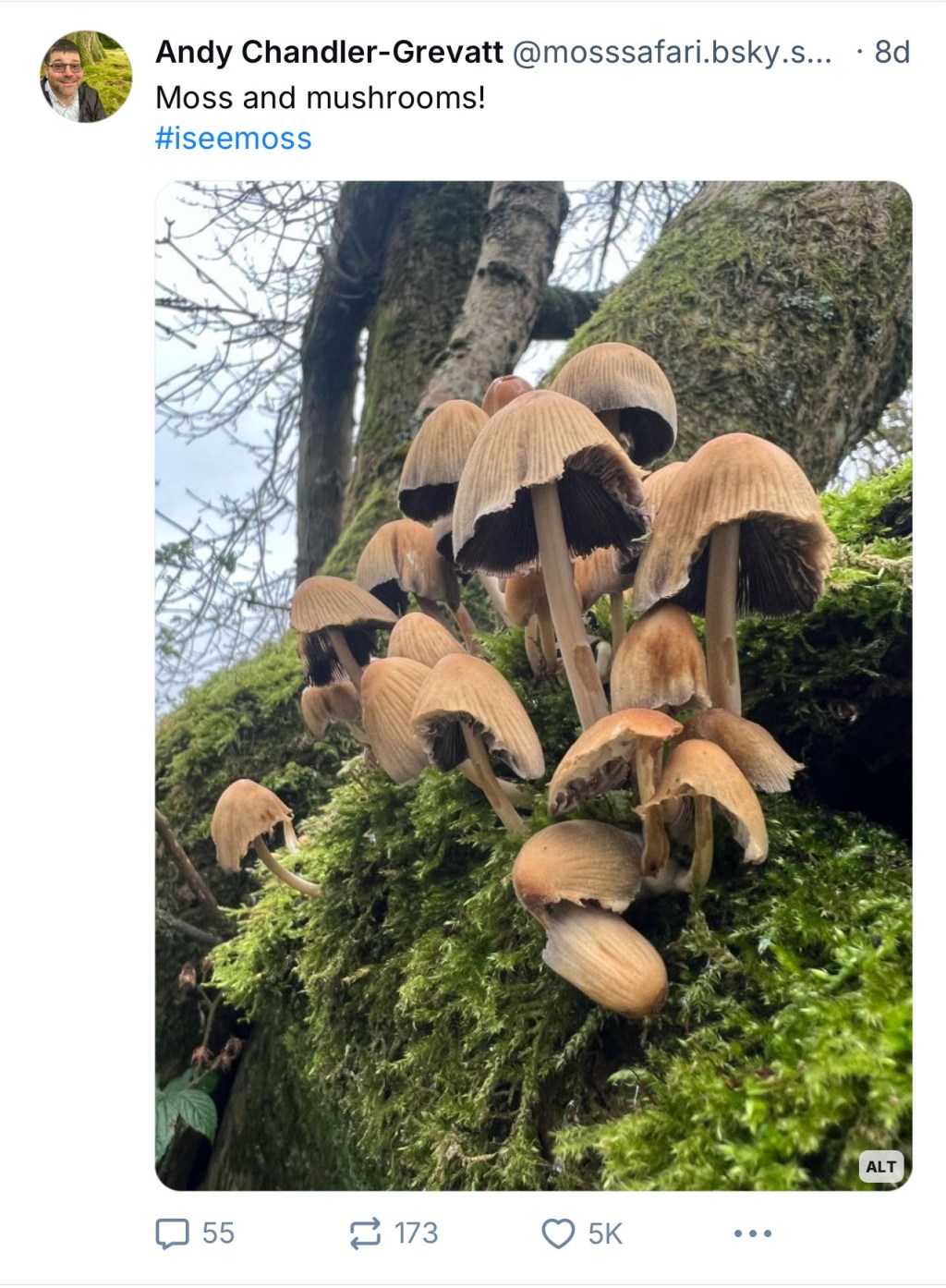
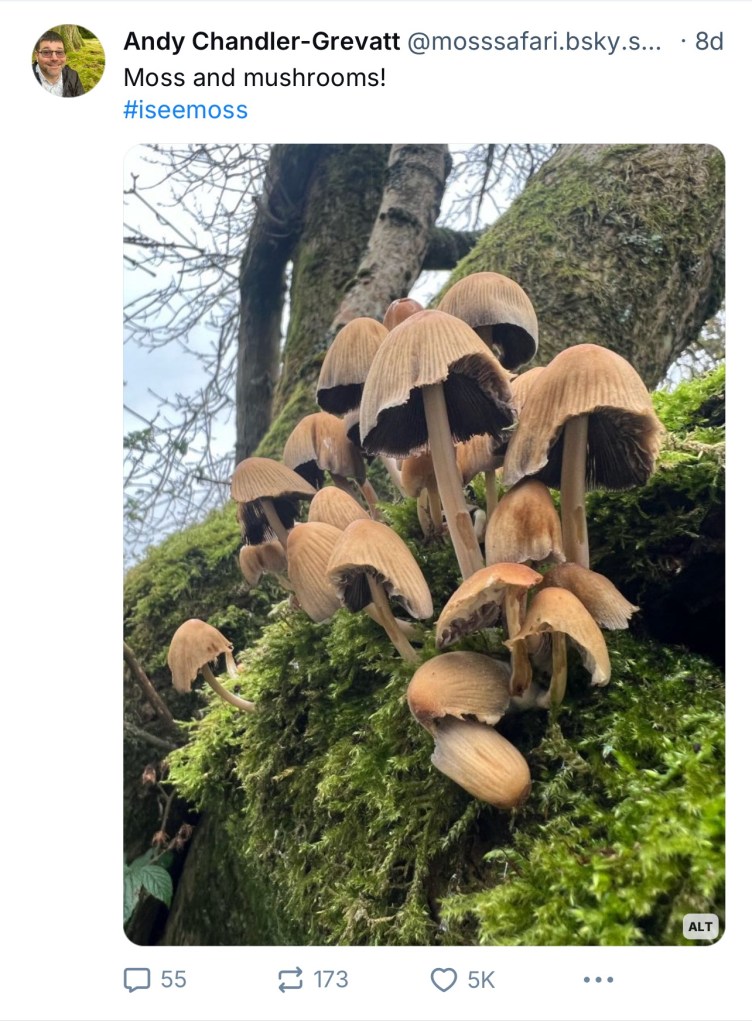
The world of social media can be very useful for making connections, but also can become an unpleasant environment within which to function. Although Moss Safari signed up to Blue Sky a year ago (2nd Nov 2023), via a ‘token’, Blue Sky over the last week has taken off as people leave other platforms. I have to say, being on Blue Sky has allowed me to find ‘my people’. Moss lovers, microscopy enthusiasts and experts, naturalists, educators, science technicians and all the scientists you could want to connect with that have a connection with Moss Safari. A week ago, I posted a picture of moss and some wax cap mushrooms that attracted 5,000 likes, 173 shares and 55 comments. I think that is a Moss Safari record on social media! Here’s some things I’ve learnt for getting started on Moss Safari.
Blue Sky Starter Packs
Finding your people is quite easy… there are a growing number of Blue Sky Starter Packs. Many are listed here:
Blue Sky Directory of Starter Packs
I have followed Science Educators (UK, US and Australia), Science communicators, Microscopists (example below) and Protists and friends. Also one of naturalists and another on bryologists.

I’m still looking out for science technicians, nematologists, tardigrade researchers and amateur microscopists.
Blue Sky Lists
I’m following the list of posts about Moss, which is by far the most popular! Lots of people loving moss pics and a lot of overlap with fungi enthusiasts! Blue Sky just seems to find the posts to add to the feed that contain the word moss or images of moss.

Why Blue Sky?
For me Blue Sky was user friendly as soon as I registered. I’ve really enjoyed searching for and following people I share interests with.
The recent flurry of activity has boosted my engagement. The great thing is, it is doing what I need Moss Safari to do: engage people with moss and the life inside it.
Follow Moss Safari
Come find us on Blue Sky. I am using the #iseemoss 💚🔬 hashtag for most of my posts and responses.
Hope to see you there!
PS. I learnt today that you can set a reminder to add alt text to your photos. Go to settings and select the setting in accessibility.
 Moss Safari